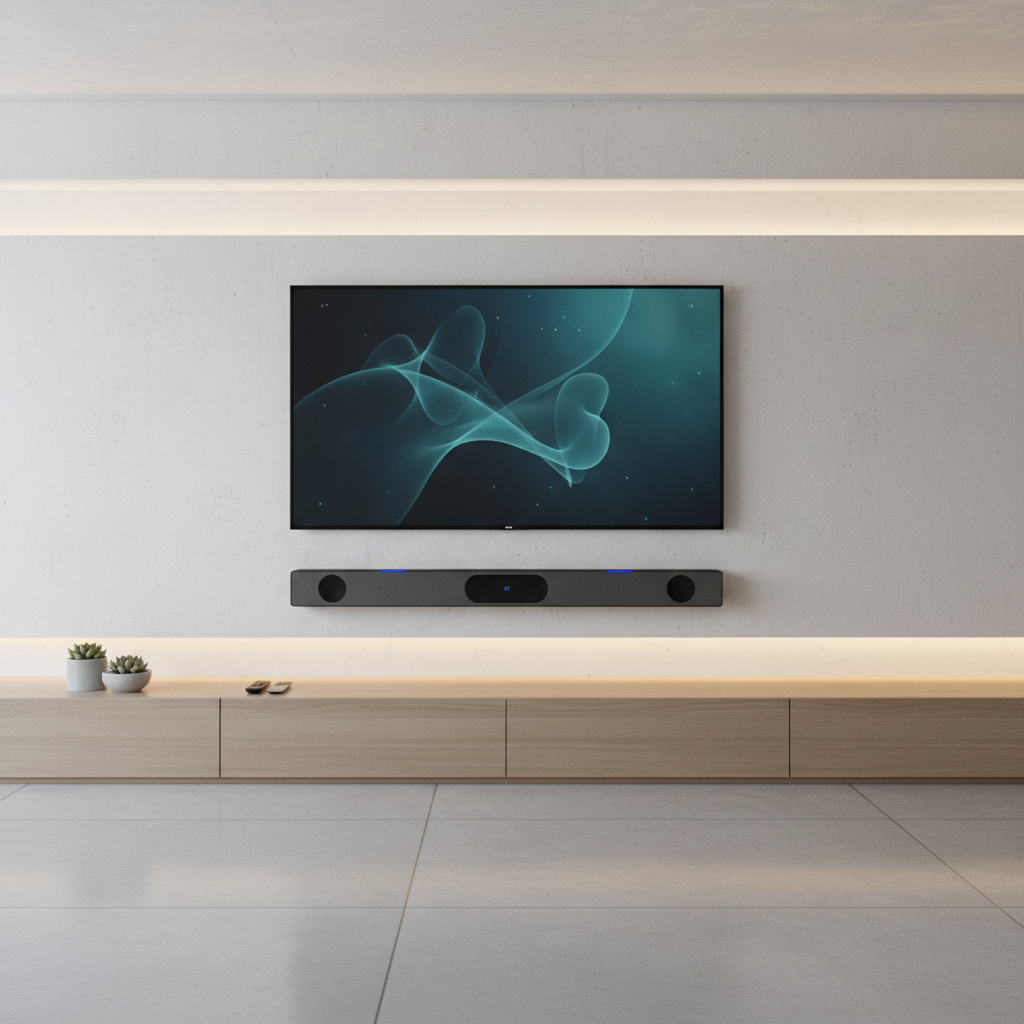
Using a Bluetooth speaker with your TV is one of the simplest ways to improve your home audio setup without committing to a full surround sound system. Whether you’re tired of thin, flat sound from built-in TV speakers or just want something more flexible, a Bluetooth speaker can make a noticeable difference.
This guide covers how Bluetooth speakers work with TVs, what to look for, and what limitations to be aware of before you buy.
Quick Answer
Most modern smart TVs support Bluetooth audio output, allowing you to pair a Bluetooth speaker directly through the TV’s settings menu. The result is wireless audio that’s louder and fuller than built-in TV speakers. However, audio delay (latency) can be an issue depending on the speaker and TV combination.
Key Takeaways
- Most TVs manufactured after 2015 include Bluetooth audio output support
- Audio latency is the biggest drawback of using Bluetooth speakers with TVs
- Speakers with aptX Low Latency or aptX HD codecs reduce sync issues significantly
- Stereo Bluetooth speakers generally outperform single-driver portable speakers for TV use
- A soundbar is a structured alternative, but a Bluetooth speaker offers more flexibility and portability
- You can use a Bluetooth transmitter if your TV doesn’t have built-in Bluetooth
Does Your TV Support Bluetooth Audio Output?
Not all TVs with Bluetooth can output audio to external speakers. Some TVs include Bluetooth only for connecting remotes or keyboards, not for audio streaming. To confirm your TV supports Bluetooth audio output, check the settings menu under “Sound” or “Audio Output” and look for a Bluetooth speaker pairing option.
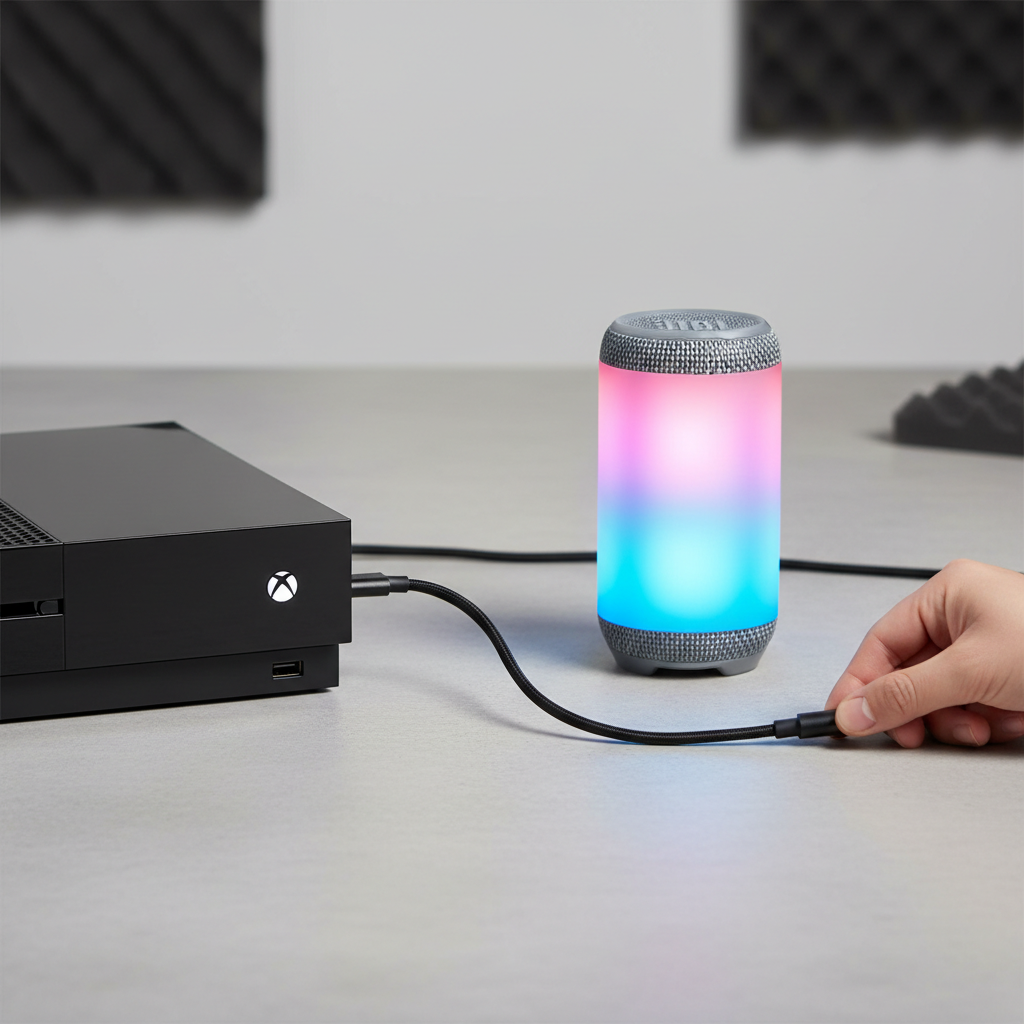
If your TV doesn’t support Bluetooth audio output natively, a Bluetooth transmitter plugged into the TV’s optical or 3.5mm audio jack is a reliable workaround.
What Is Audio Latency and Why Does It Matter?
Audio latency is the delay between what appears on screen and when you hear the sound. With standard Bluetooth, this delay can range from 100ms to 300ms, which is noticeable during dialogue-heavy content or action sequences.
To minimize latency:
- Look for speakers that support aptX Low Latency or aptX Adaptive codecs
- Check if your TV supports the same codec for a matched connection
- Some TVs have an “Audio Sync” or “Lip Sync” adjustment in settings to manually compensate
Latency is less of a concern for background music or casual listening, but it matters a lot for movies and TV shows.
What Type of Bluetooth Speaker Works Best for TV?
Not every Bluetooth speaker is designed with TV audio in mind. Here’s what to consider:
Stereo vs. Mono Speakers
A stereo Bluetooth speaker with two drivers produces left and right channel separation, which sounds significantly better for TV content than a single-driver mono speaker. If you’re watching movies or shows, stereo makes a real difference in the listening experience.
Speaker Size and Output
Larger speakers generally move more air and produce fuller low-end sound. A compact portable speaker may work fine for a bedroom TV, but a living room setup benefits from a speaker with more output and a wider soundstage.
Soundbars as an Alternative
A soundbar is technically a type of Bluetooth-compatible speaker built specifically for TV use. If you’re looking for a permanent solution, a soundbar offers better placement flexibility and often includes features like dialogue enhancement. That said, if you’re curious whether a soundbar is enough on its own, this article on whether soundbars need a subwoofer breaks down the tradeoffs clearly.
For a portable Bluetooth speaker that still delivers strong audio, the Soundcore Boom 3i is worth considering if you want something that moves between rooms easily.
How to Connect a Bluetooth Speaker to a TV
- Put your speaker in pairing mode (usually by holding the Bluetooth button until the indicator flashes)
- Open your TV’s settings menu and navigate to “Sound” or “Audio Output”
- Select “Bluetooth Speaker” or “Bluetooth Audio” as the output option
- Choose your speaker from the list of available devices
- Confirm the connection and test the audio
Some TVs require you to disable the internal speakers before Bluetooth audio activates. If sound still comes from the TV after pairing, check the audio output settings and switch the source manually.
Bluetooth Speaker vs. Wired Speaker for TV
| Feature | Bluetooth Speaker | Wired Speaker |
|---|---|---|
| Setup complexity | Low | Moderate |
| Audio latency | Can be noticeable | Minimal |
| Sound quality | Good to excellent | Excellent |
| Flexibility | High (portable) | Low (fixed) |
| Cable clutter | None | Yes |
Wired speakers connected via RCA or optical output will always have lower latency and often better consistency. But Bluetooth speakers win on convenience and flexibility, especially if you move between rooms or don’t want cables running across the floor.
Common Misconceptions About Bluetooth Speakers and TVs
Misconception: Any Bluetooth speaker will work perfectly with any TV.
Reality: Codec compatibility, latency, and Bluetooth version all affect performance. A mismatch between TV and speaker can result in poor sync or connection instability.
Misconception: Louder always means better.
Sound quality depends on driver design, frequency response, and tuning, not just volume. A well-tuned mid-sized speaker will outperform a loud but poorly tuned one for TV audio. For a deeper look at how power relates piece on whether speakers sound better with more power is worth reading.
Misconception: Bluetooth audio sounds the same as wired.
Modern Bluetooth codecs have closed the gap significantly, but wired connections still have an edge in raw fidelity and latency performance.
Conclusion
Bluetooth speakers are a practical and flexible way to upgrade TV audio without complex installation. The key is understanding your TV’s Bluetooth capabilities, choosing a speaker with low-latency codec support, and matching the speaker size to your room. For most casual viewers, a quality Bluetooth speaker is more than enough to make TV audio genuinely enjoyable.
If your TV lacks Bluetooth, a transmitter solves the problem quickly. And if you want something purpose-built, a soundbar is worth comparing before you decide.
FAQs
Can I use any Bluetooth speaker with my TV?
Most Bluetooth speakers will pair with a Bluetooth-enabled TV, but performance varies. Speakers with aptX Low Latency support will sync better with video content and reduce lip-sync issues.
Why is there a delay between picture and sound when using a Bluetooth speaker?
This is called audio latency, a natural result of wireless audio processing. Using a speaker and TV that share the same Bluetooth codec, especially aptX Low Latency, significantly reduces this delay.
Do smart TVs have Bluetooth built in?
Most smart TVs made after 2015 include Bluetooth, but not all support audio output. Check your TV’s audio settings or user manual to confirm it can pair with external Bluetooth speakers.
What if my TV doesn’t have Bluetooth?
You can add Bluetooth audio output to any TV using a Bluetooth transmitter connected to the TV’s optical (Toslink) or headphone jack. This is a simple and affordable solution.
Is a Bluetooth speaker or a soundbar better for TV?
A soundbar is designed specifically for TV use and typically offers better placement and audio consistency. A Bluetooth speaker is more portable and flexible but may require more adjustment to get the best results.